Phone
Toncoin on a Phone: Sending GRAM or TON From a Wallet App to a Cashier
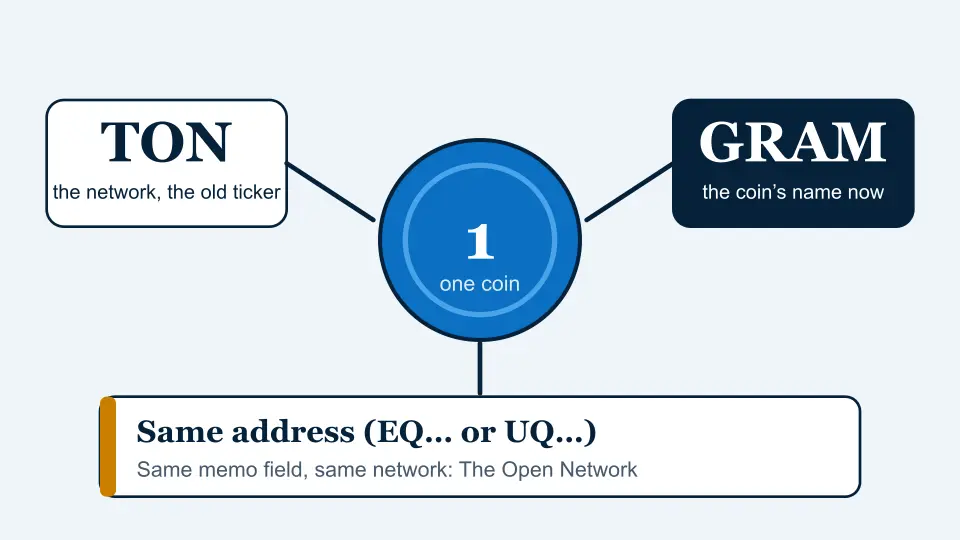
Most deposits in this coin start on a phone, and a phone makes the one dangerous step easy to get wrong: two apps, one clipboard, and a memo that has to travel with the address. This page is about that hand-over.
It describes general habits that hold for any wallet. It does not recommend an app, and it does not claim that any operator’s own mobile site works in a particular way, because we did not read one.
How do I send Toncoin from my phone to a casino?
Keep the cashier open in one window and the wallet in another, and move between them deliberately. Copy the address, switch to the wallet, paste it, and only then go back for the memo. Copying both at once is not possible, and a clipboard holds one item, so the memo is the one that gets lost when you swap apps in a hurry.
Before you confirm, check that the memo field in the wallet is not empty and that its first and last characters match the cashier. Then compare the address the same way. The check takes ten seconds, and it is the only one that matters if the casino shares one address among many players.
Wallets that call the memo something else
A wallet may label the field a comment, a message, a note or a memo, and some tuck it behind an advanced option. If your wallet shows no such field on the send screen, look for a switch before you assume it has none. A transfer to a casino that needs a memo and carries none is the case this note on missing memos is about.
A wallet held by an exchange or a messaging service is a different animal from one you control with your own keys. Such a service may add its own rules, limits or steps, and we have read none of them. Check what yours does before sending a sum you would mind losing.
Screenshots and saved addresses
A screenshot of last week’s cashier, or an address saved in a contact list, may carry a memo that no longer belongs to you. Open the cashier fresh for every deposit, and treat what it prints today as the only valid address and memo. The same goes for a QR code, which encodes whatever the cashier showed at the moment it was drawn.
A small test first
Send a small amount, wait until the cashier history shows it, and only then send the rest. On a phone with a weak signal a transfer can look stuck when it is not. Check the transaction on tonscan.org, the explorer Cloudbet’s data names, before you send again. A second transfer on top of a slow first one is how a small problem becomes a large one.
Short answers
- Can I copy the address and memo together?
- Not reliably. Copy and paste them one after the other, then check both before confirming.
- My wallet shows no memo field. What now?
- Look for an advanced switch. If there is none, ask the cashier’s support before sending.